
Adobe Illustrator
Racing
Cartoon
This is a UI design package I created for a racing themed video game. My goal was to craft an interface that feels fast, exciting, and visually polished. The whole design is built around a vibrant red color palette, glossy finishes, and dynamic shapes to really capture the speed and adrenaline of a racing game.
This was a fun project where I got to design a complete set of screens and elements:
From Sketch to Final: Showing the process from the initial layout sketch to the final colored assets.
Main Menu: The first thing a player sees, with clear buttons for Play, Settings, Credits, and Exit.
Settings Panel: Custom designed sliders for adjusting Music and Graphics.
Level Selection: An easy to browse screen for choosing game levels, complete with navigation arrows.
Confirmation Pop up: A styled "Exit Game?" dialog that fits perfectly with the game's theme.
Cohesive Style: All buttons, icons, and windows were designed to look and feel like they belong together.
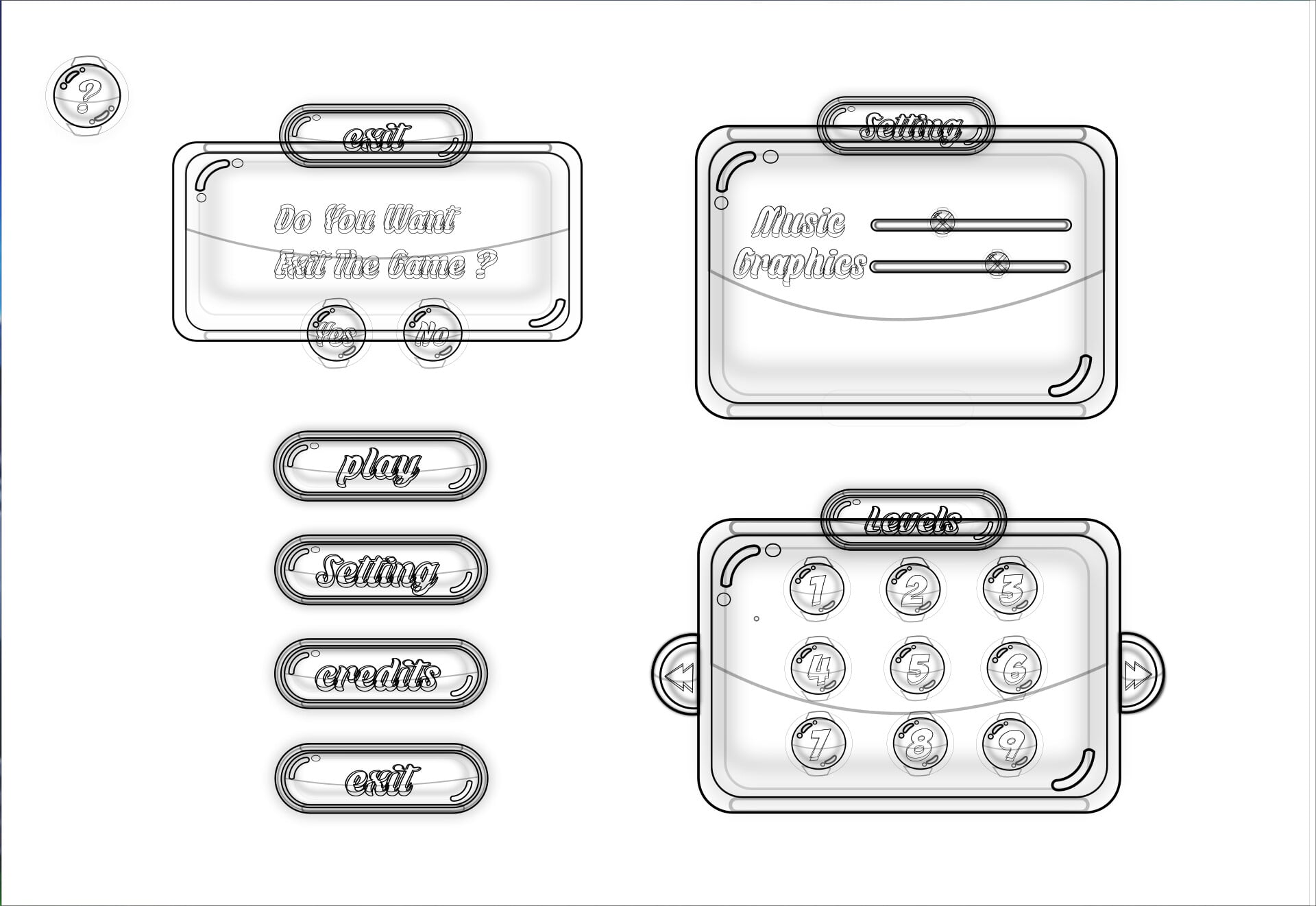
I started this project by sketching out the basic black-and-white layouts. This helped me lock down the composition and make sure all the elements fit together nicely before I jumped into the details.
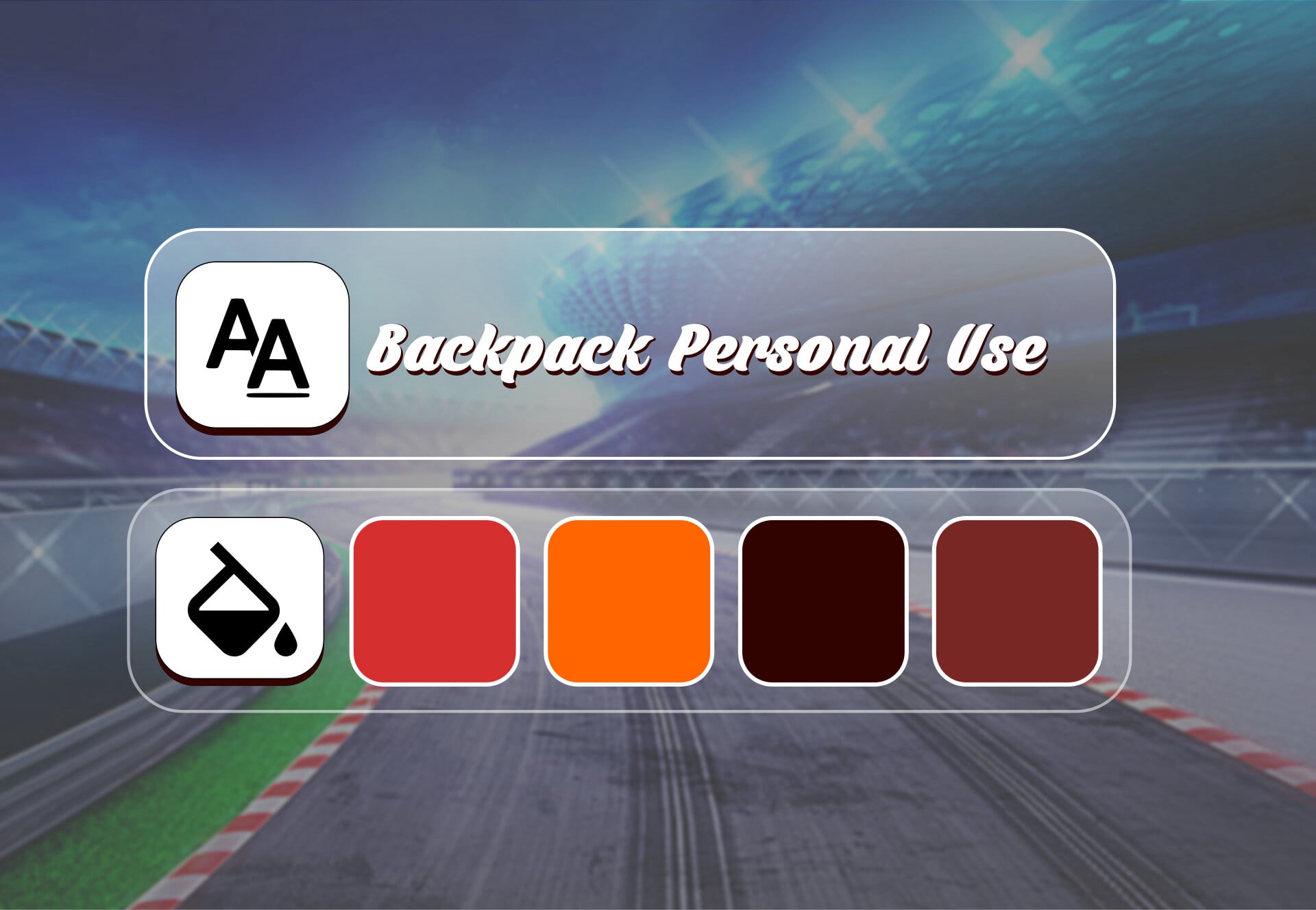
Once the structure was in place, the real fun began: developing the visual style. I wanted a look that screamed "arcade racing," so I went with a glossy, almost "candy-like" finish for the buttons and panels. This gives the UI a satisfying and tactile feel. The bright red color scheme was chosen to bring a sense of energy and excitement, while the "Backpack" font adds a touch of stylized fun that fits the arcade theme perfectly.
I’m really pleased with the final result. This project was a great challenge in building a UI set that feels fun, polished, and full of high-octane energy.

Free AI Website Builder