How long does it take to design a game's UI?
Design time and calendar time are two different numbers, and the gap between them is where launch dates go wrong. Here is how long each stage really takes, what makes it longer, and how to schedule interface work so it lands before your milestone rather than after it.
In this article
Open to new projects
Hadjoudj Idris
Game UI/UX Designer
Upwork100% Job Success
Hire me Browse the workThe question is usually asked a few weeks before it matters, which is the problem. Interface work has a shape, and once you know the shape you can put it in a schedule instead of hoping it fits.
The short answer
Two numbers per row, because they are not the same. Design days is the work. Elapsed weeks is how long it takes in the real world, including your feedback, approvals and the days nobody is available.
| Scope | Design days | Elapsed |
|---|---|---|
| One screen with its states | 1 – 3 days | 3 – 7 days |
| A gameplay HUD | 3 – 8 days | 1 – 2 weeks |
| Small game, 10 – 15 screens | 10 – 20 days | 3 – 6 weeks |
| Mid-size title, 20 – 30 screens plus a system | 25 – 50 days | 6 – 14 weeks |
| Visual pass over existing wireframes | 4 – 10 days | 1 – 3 weeks |
| Usability review of a build | 1 – 2 days | 2 – 5 days |
| Logo and identity | 2 – 5 days | 1 – 2 weeks |
The five stages, and what each needs
Every project I run has the same five stages, whether it is one screen or thirty. Percentages are of total design time.
- 01
Discovery, about 10 percent
Play the build, read the systems, list every screen and state, agree what is in scope. One to three days. Skipping this does not save time, it moves the same work into week four where it is more expensive.
- 02
Flow and wireframes, about 25 percent
Structure, navigation, hierarchy, greyscale. This is the cheapest place to be wrong and the stage that most affects the final result. Expect roughly a quarter of the schedule here and resist the urge to compress it.
- 03
Visual direction, about 15 percent
One or two screens taken to final quality to establish the language: type, colour, spacing, component style. Everything downstream inherits from this, which is why it gets a milestone of its own.
- 04
Production screens, about 40 percent
Applying the approved language across everything else. The largest block, and the most predictable one: once the system exists, screens land at a steady rate.
- 05
Handoff and support, about 10 percent
Exports, naming, a spec, and answering questions during implementation. Teams that skip this pay for it in engineering hours instead.
The useful consequence of those percentages: at the end of week one you should have wireframes, not artwork. If you are being shown finished screens in the first few days, structure is being skipped, and that is the most reliable predictor of a project that overruns.
What makes it take longer
- More than one decision maker. The single biggest multiplier on elapsed time. Three people with equal authority can add weeks without adding a single hour of design.
- Slow or scattered feedback. Notes arriving over four days instead of in one list turns a one-day revision into a four-day one.
- Systems still changing. If the crafting rules change in week three, the crafting screens restart. Design cannot be more finished than the design of the game.
- Content arriving late. Real item names, longest strings and biggest numbers. Layouts break on real content, and they break late if you supply it late.
- A second platform added mid-project. Adding console after the layouts are locked means rethinking navigation on every screen.
- No engineer available. Handoff questions that wait three days each add up faster than anyone expects.
What makes it faster
- One decision maker with authority. Worth more than any other single factor.
- Feedback in one consolidated list, within an agreed window, from one person.
- A screen list before day one, even a rough one. It removes the discovery guesswork.
- Real content up front. Cheap for you, expensive to be without.
- Approving the visual direction properly, once, rather than revisiting it in week six.
- Accepting that some screens can inherit the system instead of being individually designed.
Run it in parallel with development, not after it
The most common scheduling mistake is treating interface design as a phase near the end, after the systems are built. It is the most expensive way to sequence it, for two reasons.
First, the UI regularly reveals that a system asks the player for too much. Discovering that while the system is still being written costs a conversation. Discovering it after it ships costs a rewrite. Second, a finished game with placeholder menus cannot be shown to anyone: not press, not publishers, not a store page, which quietly delays everything commercial.
The right shape is design running one step ahead of implementation, screen by screen, from the moment the core loop is playable. It also spreads the cost across production instead of concentrating it in one invoice at the worst possible moment.
A realistic eight-week schedule
For a small-to-mid title, roughly 20 screens, one designer part-time alongside your team.
| Week | Design | What you do |
|---|---|---|
| 1 | Discovery, screen list, flow diagram | Supply a build, real content and one decision maker |
| 2 | Wireframes for every screen | Review the structure, in one list, within two days |
| 3 | Visual direction on two flagship screens | Approve the direction properly. This is the big decision |
| 4 – 5 | Production: menus, settings, pause, results | Batch feedback weekly, not daily |
| 6 | HUD, tuned against gameplay footage | Send real capture from your worst-case levels |
| 7 | The system screen, states and edge cases | Confirm the rules the screen has to express |
| 8 | Components, exports, spec, handoff | Get your engineer in the room |
Weeks four to seven are the ones that stretch when feedback is slow. Weeks one to three are the ones people try to cut, and cutting them is what makes weeks four to seven stretch.
What actually gets cut when you rush
A rushed schedule does not produce the same UI faster. It produces a different, thinner UI. Knowing what gets dropped lets you choose deliberately instead of finding out later.
| What a rush cuts first | What it costs later |
|---|---|
| Wireframes | Structural problems found in production, at production prices |
| States: empty, error, locked, disabled | Engineers inventing them at 2am, inconsistently |
| Controller focus order | The most common cause of a full UI rebuild |
| Localisation-safe layouts | Every translated build breaking at once |
| Handoff spec and exports | Your programmer becoming a part-time designer |
| Testing in motion | A HUD that reviews badly. See the HUD article |
If the deadline genuinely cannot move, cut screens, not stages. Four screens designed properly and sixteen inheriting a system beats twenty screens that all skipped wireframes.
How to protect your date
- 01
Work backwards from the milestone, not forwards from today
Put handoff a full two weeks before your deadline. Implementation always takes longer than the estimate, and that gap is the only thing standing between you and a bad week.
- 02
Name one decision maker in writing
Not a committee, not "we will discuss it". One person whose approval is final, with a named substitute for when they are away.
- 03
Agree a feedback window
Two working days per milestone, one consolidated list. Write it into the schedule so late feedback is visibly a schedule change rather than a favour.
- 04
Front-load the visual direction decision
Have the argument about how it looks in week three, on two screens. Having it in week seven means repainting twenty.
- 05
Book the handoff week
Reserve your engineer's time for it in advance. A design delivered to nobody is not delivered.
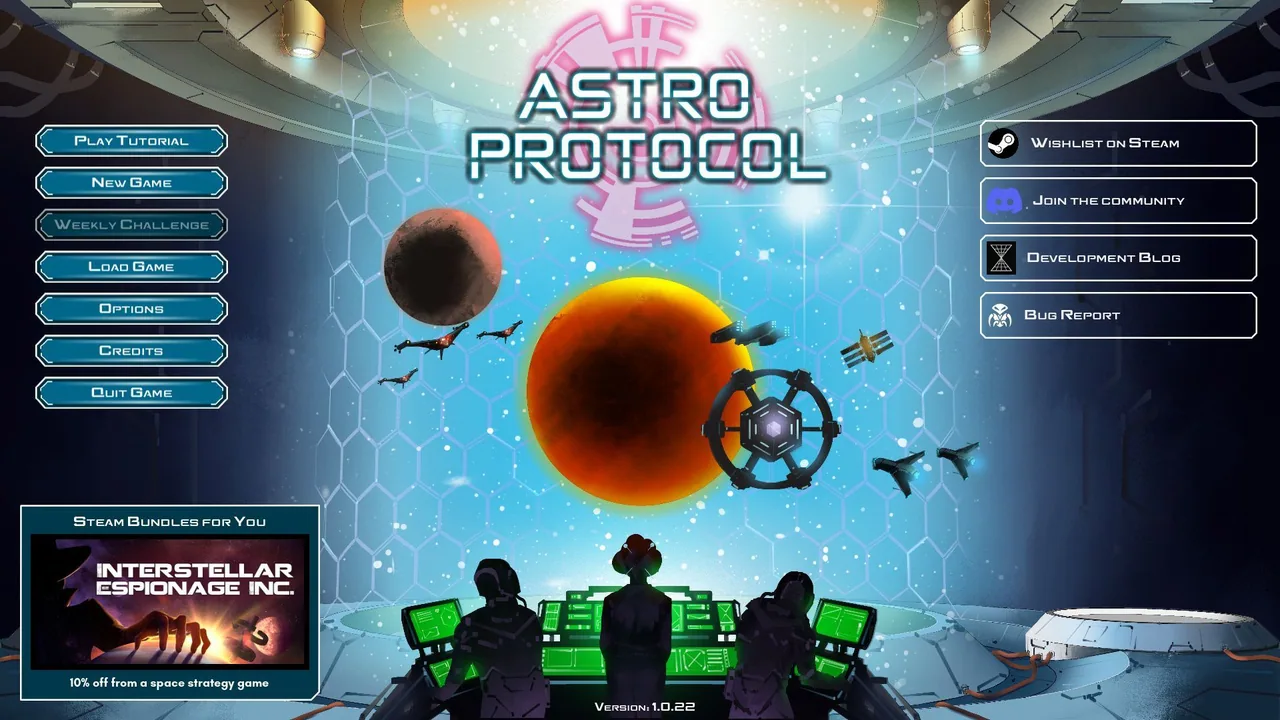
The Astro Protocol interface was built this way across a full production: direction decided early, then defended screen by screen as the feature list grew. That is what keeps a schedule intact, not working faster.
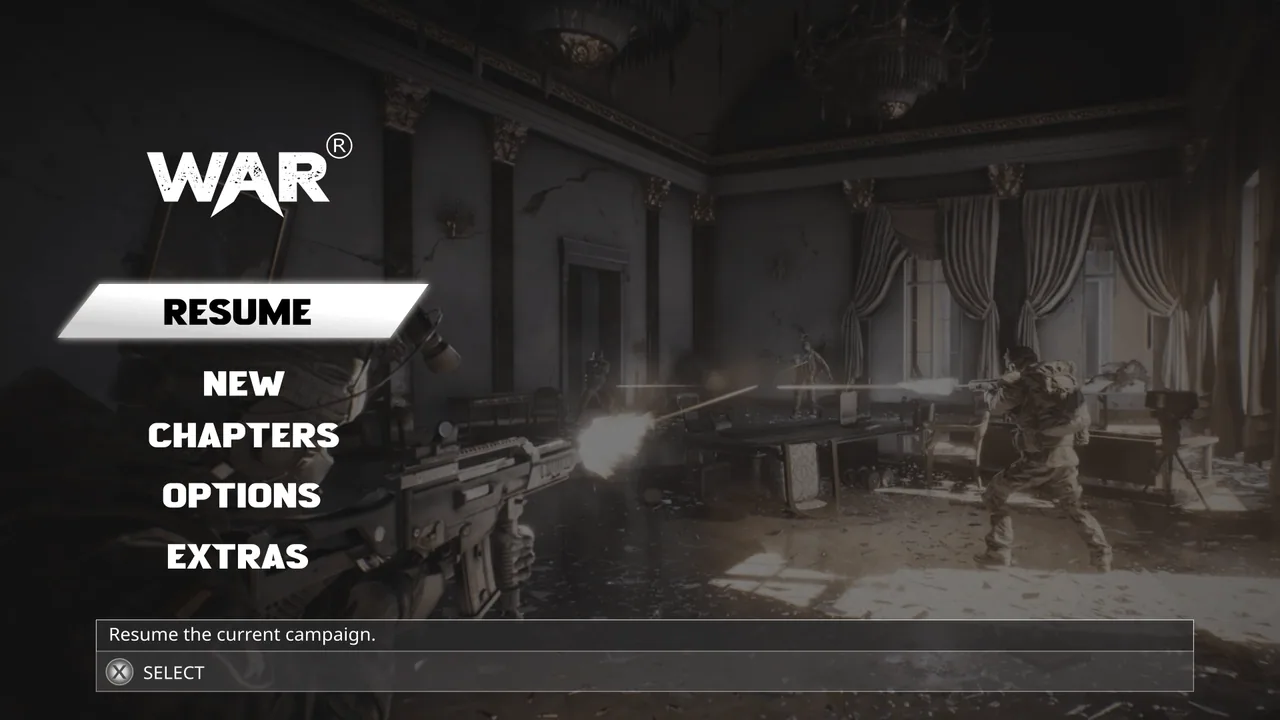
How long does a main menu take?
One to three days of design work for a single polished screen with its states, and closer to a week in elapsed time once review is included. If the game has no established visual language yet, budget longer, because that screen is also where the language gets invented.
How long does a HUD take?
Three to eight design days, one to two weeks elapsed, and it needs real gameplay footage to be done properly. A HUD signed off from still images is not finished, it is just approved.
Can you design a full game UI in two weeks?
You can design a small game's core screens in two weeks if the scope is tight, the content is ready and one person approves. You cannot do twenty screens with states, two platforms and a design system. If someone quotes you that, ask which of the five stages they are dropping.
How much faster is it with a UI kit?
It removes some of the visual direction and component work, perhaps 20 to 30 percent of the total, and none of the flow or states work. It is a real saving, but smaller than people expect, and covered in indie game UI on a budget.
What is a realistic rush timeline, and what does it cost?
Rush work typically carries a 25 to 50 percent premium because it displaces other committed work, and it compresses elapsed time rather than design time: same hours, fewer calendar days, which only works if your feedback is same-day.
When should I start UI design relative to launch?
Handoff should complete at least two weeks before your milestone, so count backwards from there. For a mid-size title that means starting design roughly four months out, running in parallel with development rather than after it.
Does hiring two designers halve the time?
No, and it often makes it slower before it makes it faster. Two designers need a shared system and someone to keep them consistent. It works well once the visual direction is locked and the work is parallel production, and badly before that point.
How long does the feedback stage really take?
Budget two working days per milestone for your side, and hold to it. Feedback time is the single most underestimated part of any design schedule, and it is entirely within your control.
What if my game is still changing?
Design the parts that are stable and defer the rest. A menu flow, settings and results screens rarely change with gameplay tuning. Systems screens should wait until their rules are settled, because they cannot be more finished than the design of the system they express.
Hadjoudj Idris
Game UI/UX Designer, Remote, worldwide
Need this done properly on your game?
Menus, HUDs, a full UI system, or one screen that isn't working. Tell me what you're building and I'll tell you honestly whether I'm the right fit, and what it would cost.
Upwork100% Job Success